ask V
In-home tech help · Newcastle & the Hunter

Patient, personal tech help, in the comfort of your home.

Hi, I'm Verena. I'm a technology coach who comes to you and teaches at your pace, using your own devices. No jargon, no rush.

Arranging help for a parent, or supporting a participant as a care partner? You're in the right place.

Verena Franz, technology coach for ask V
$75 / hour Plus call-out fee. Free within 5 km.
8+ yearspatiently guiding older Australians through the world of tech
One-on-oneevery lesson gently shaped around you and your devices
In the comfort of your own homehappily travelling up to 50 km from Tighes Hill
Insured & police checkedso you can welcome me into your home with complete peace of mind
Who I help

Support for you, your family and your care team

For you

Whether it's a new phone, a stubborn printer or video calls with the grandkids, we go at your pace in your own home. No question is too small, and you'll never feel rushed.

What I help with →

For sons and daughters

Live far away, or worn out from being the family IT department? I give your mum or dad patient one-on-one lessons and a workbook to keep, so your visits can be about catching up, not troubleshooting.

Gift a session →

For in-home care providers

I help Support at Home participants build everyday digital skills. Care partners receive a session report after each visit, and every participant gets an individual invoice, so the paperwork stays simple.

Provider pricing →
Verena Franz smiling in a leafy garden
About Verena

A one-woman show with a personal touch

For more than 8 years I've helped older Australians get comfortable with the devices they use every day. I'm known for patience, a relaxed pace and taking the time to understand what matters to you.

  • Your priorities come first, then we go step by step
  • Lessons use your own phone, tablet or computer
  • A workbook of step-by-step notes to keep
  • No jargon, no rush, and plenty of repetition
  • Clear advice on accounts, apps and privacy
What I help with

Confidence with the devices and apps you use every day

From Facebook and Instagram to Netflix and online grocery deliveries, my goal is to make your time online enjoyable, safe and empowering. We start with what matters most to you.

Phones & tablets

Setting up, simplifying and getting the most from your smartphone or tablet, including photos, camera and video calls.

Computers & printers

Laptops, home computers, mice and printers. Email, files, printing and everyday troubleshooting.

Smart TVs & streaming

Getting your TV connected and finding your way around Foxtel, Netflix, ABC iview and other streaming services.

Social & family

Staying connected through Facebook, Messenger, WhatsApp and Instagram, safely and confidently.

Government & everyday tasks

myGov, Centrelink, Service NSW, online grocery shopping, alarms, reminders and booking appointments.

Learning & library

Libby, BorrowBox, podcasts and ABC listen, plus the eBooks and audiobooks you already have access to through your library.

Home phones

Cordless home phones and bases, setting the date and time, voicemail, and saving the numbers you call most.

Hearing & accessibility

Connecting hearing aids and TV streamers to your phone and TV, plus larger text, magnifier and other settings that make devices easier to use.

Accounts & subscriptions

Apple and Google accounts, passwords, confusing billing messages, and cancelling subscriptions you no longer need.

Highlights from my visits

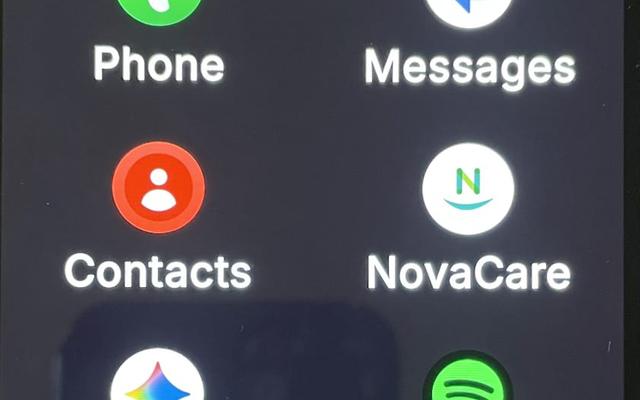
A simplified phone home screen with large, labelled app buttons
A simplified home screen with big, labelled buttons
Choosing Netflix from the apps screen with a Foxtel remote
Finding Netflix on the Foxtel apps screen
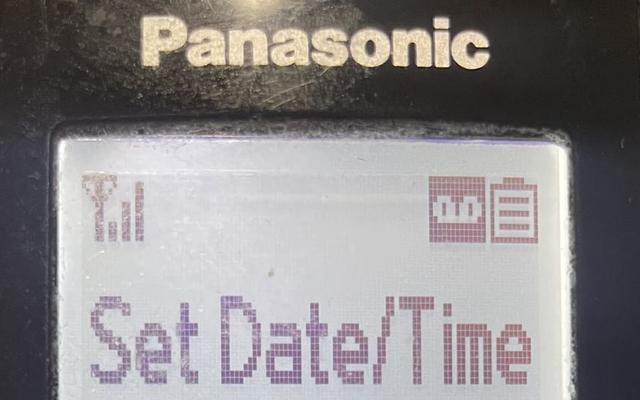
A cordless home phone showing the Set Date/Time screen
Setting the date and time on a cordless phone
A phone home screen with Facebook, Messenger and WhatsApp
Facebook, Messenger and WhatsApp, all in one place
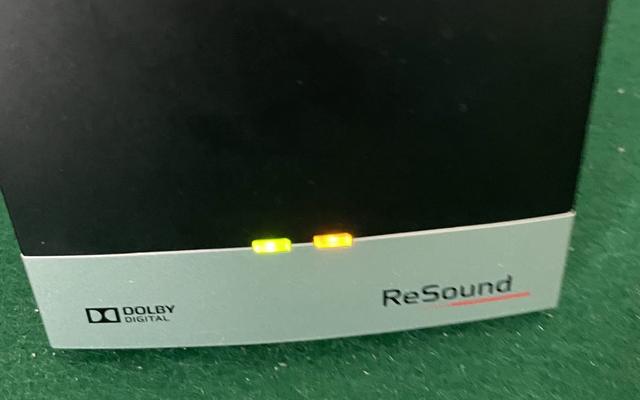
A hearing aid TV streamer with its lights on
Connecting a hearing aid TV streamer
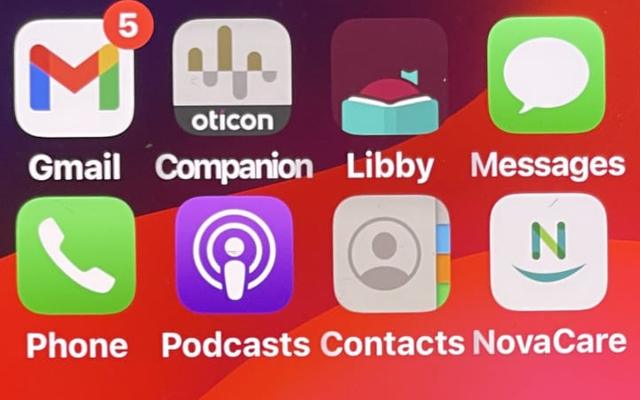
A phone home screen with the Libby library app and Podcasts
Libby and podcasts for books and listening
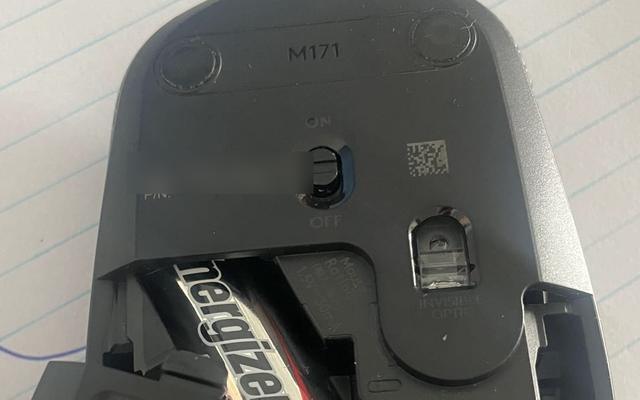
Changing the battery in a wireless computer mouse
A quick fix: a fresh battery for the mouse
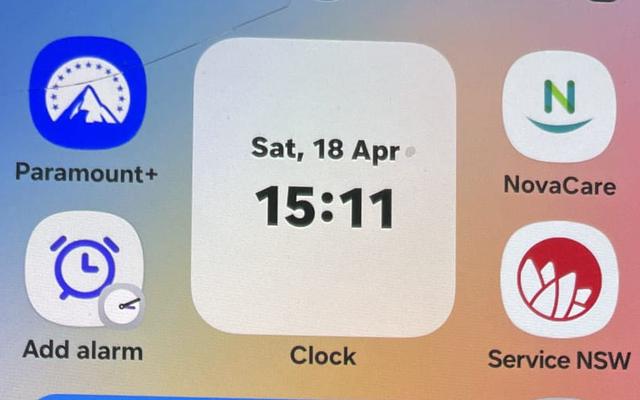
A phone home screen with the Service NSW app and a clock
Service NSW and alarms within easy reach
An iPhone showing a billing problem message
Sorting out a confusing billing message
Your own workbook

Step-by-step notes, made just for you

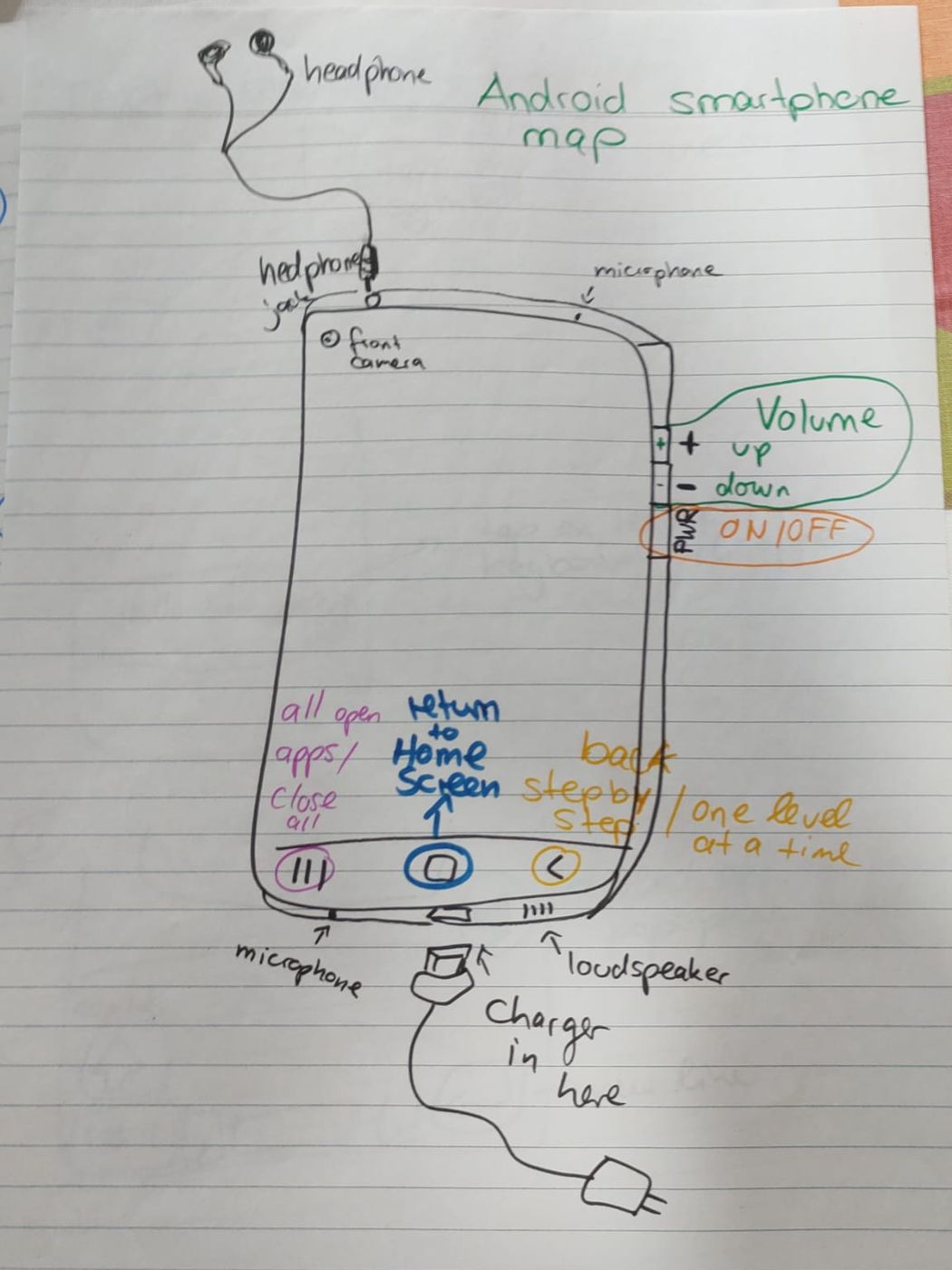
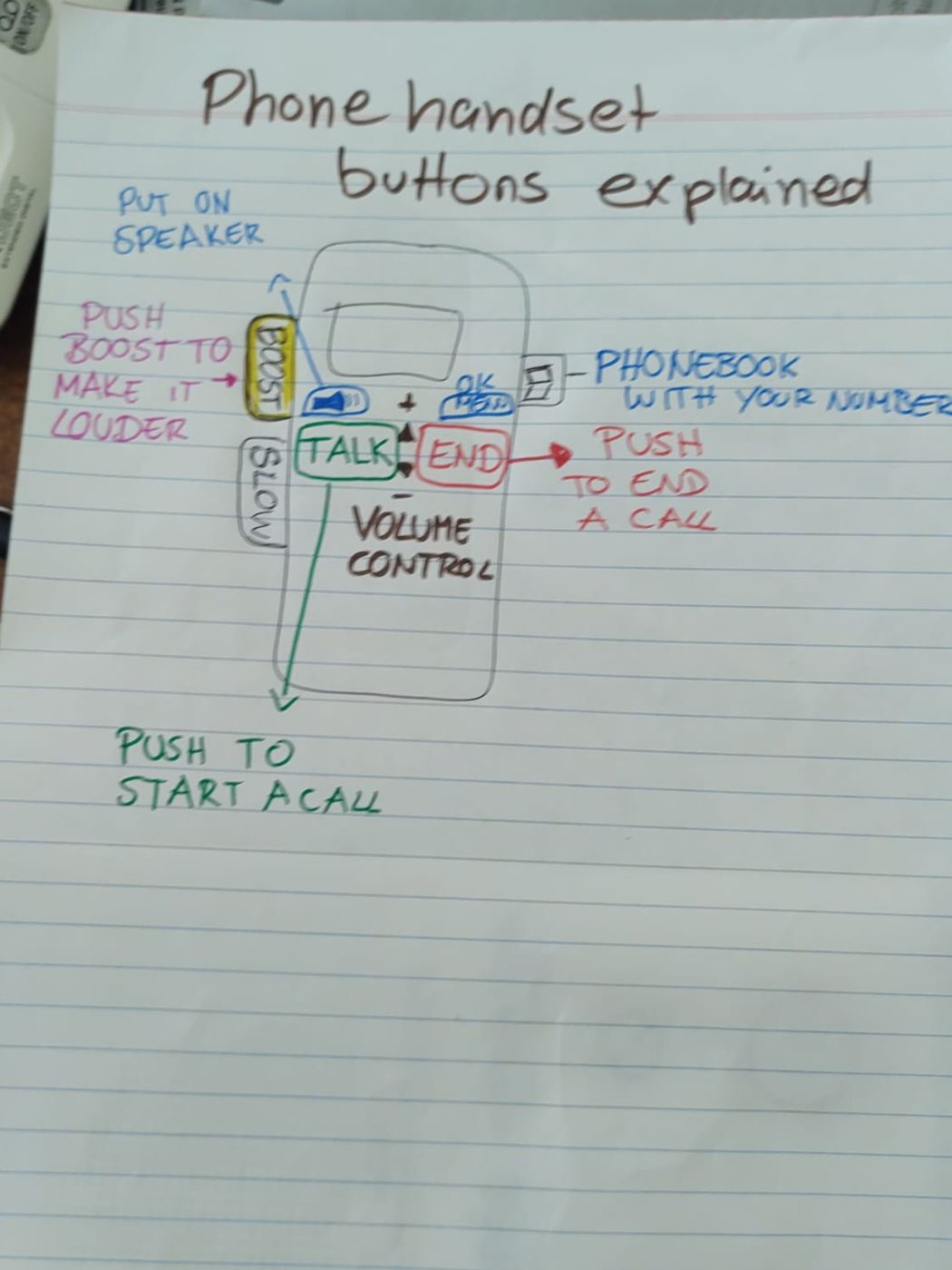
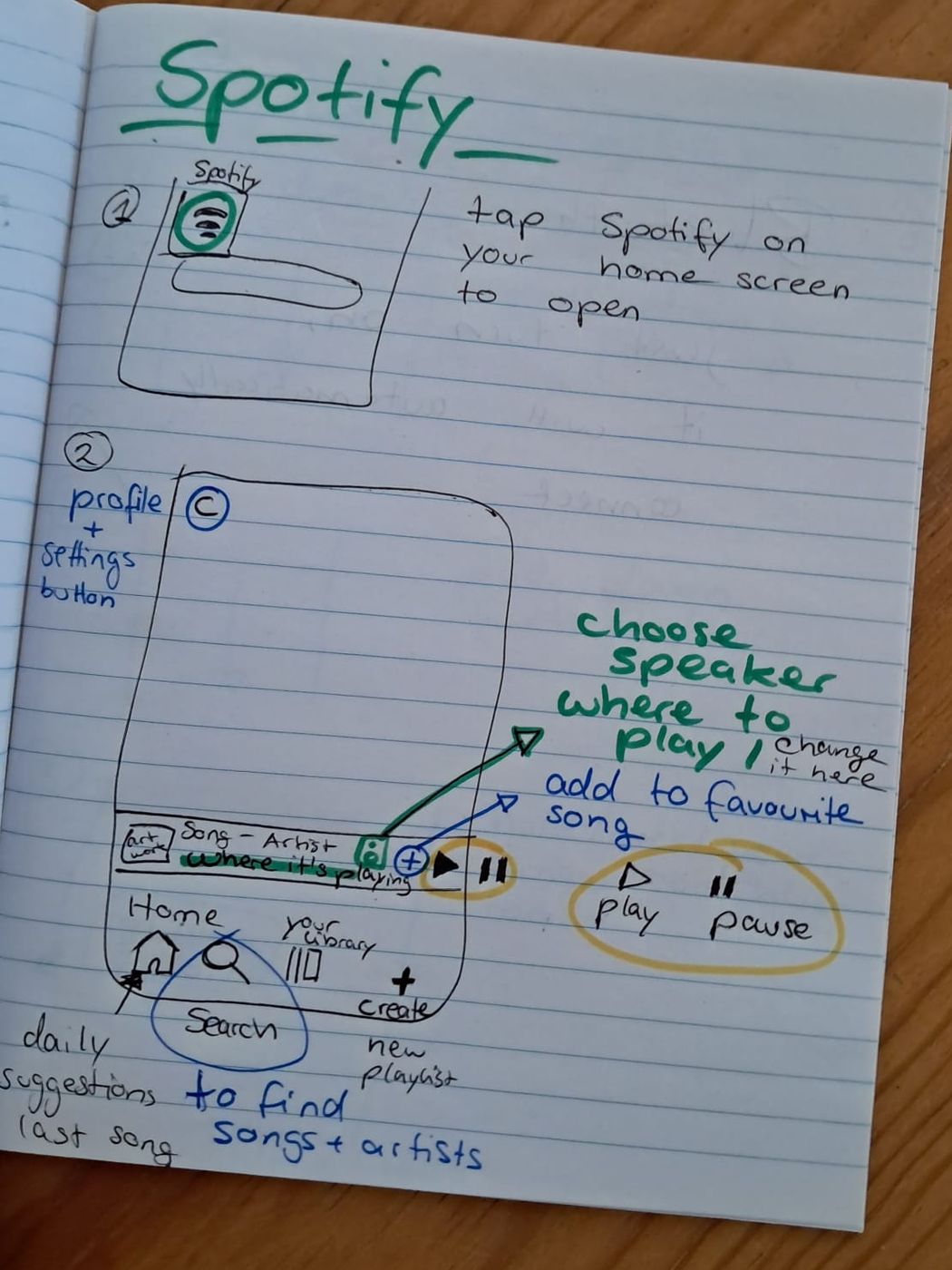
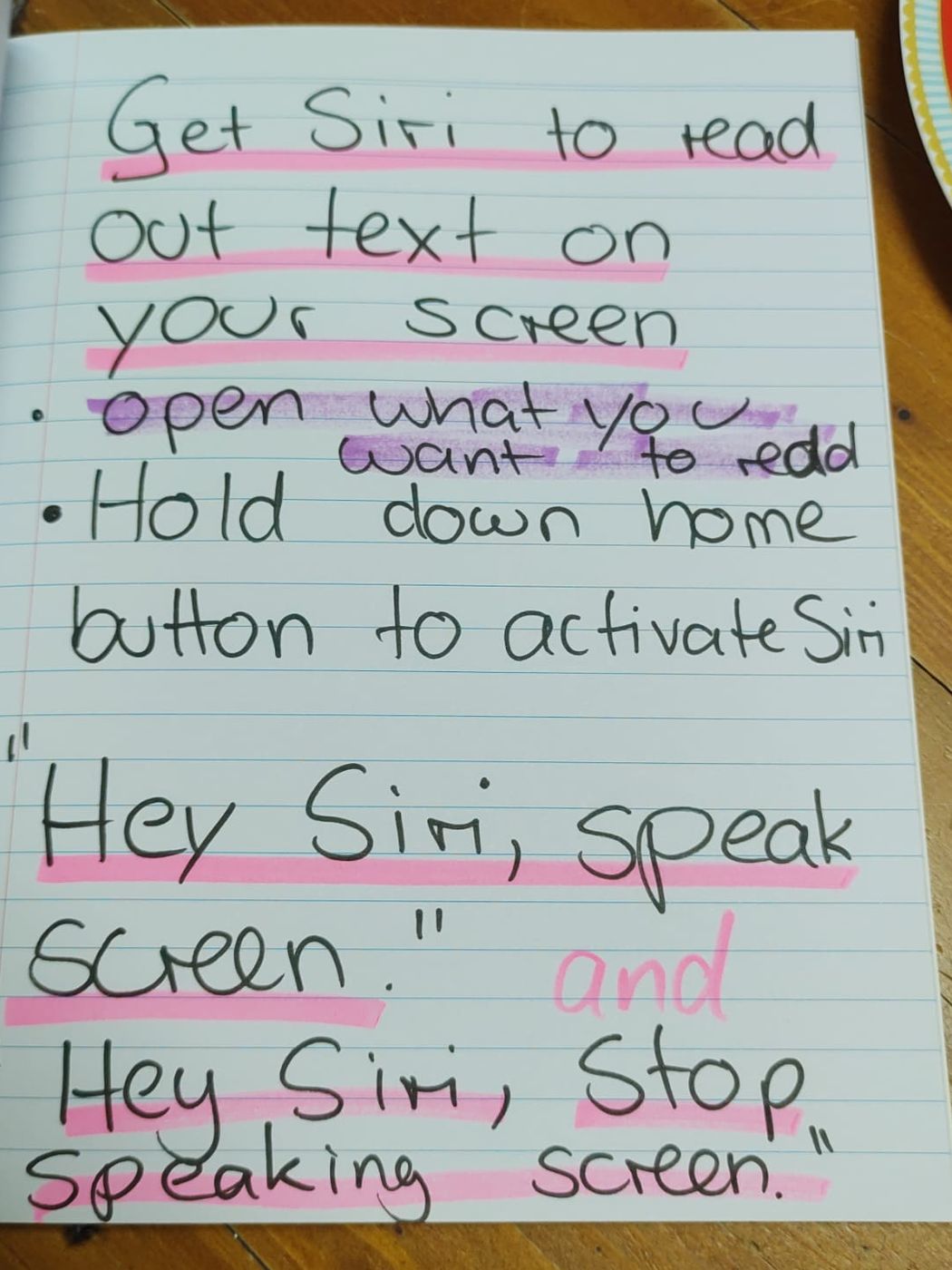
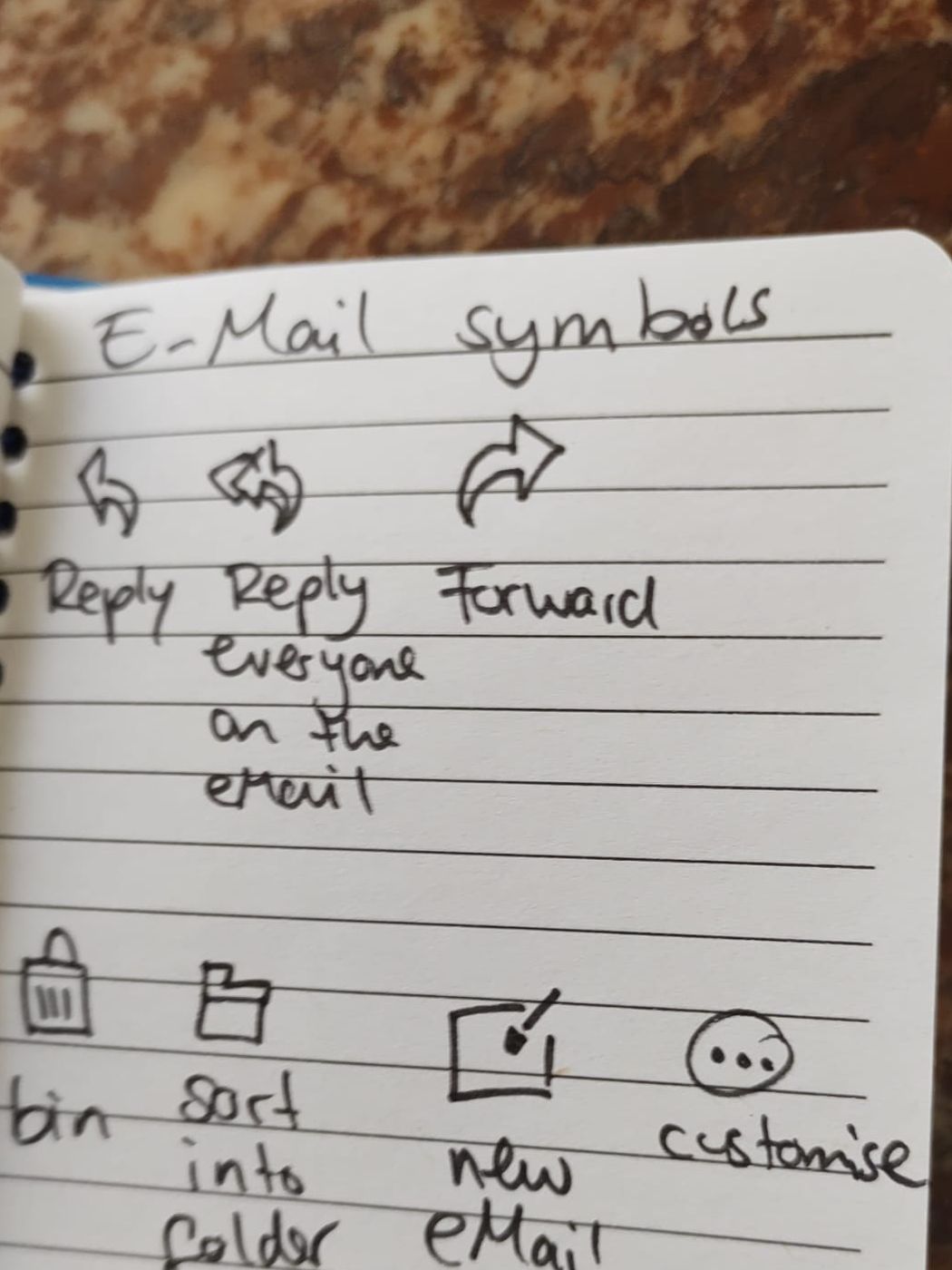
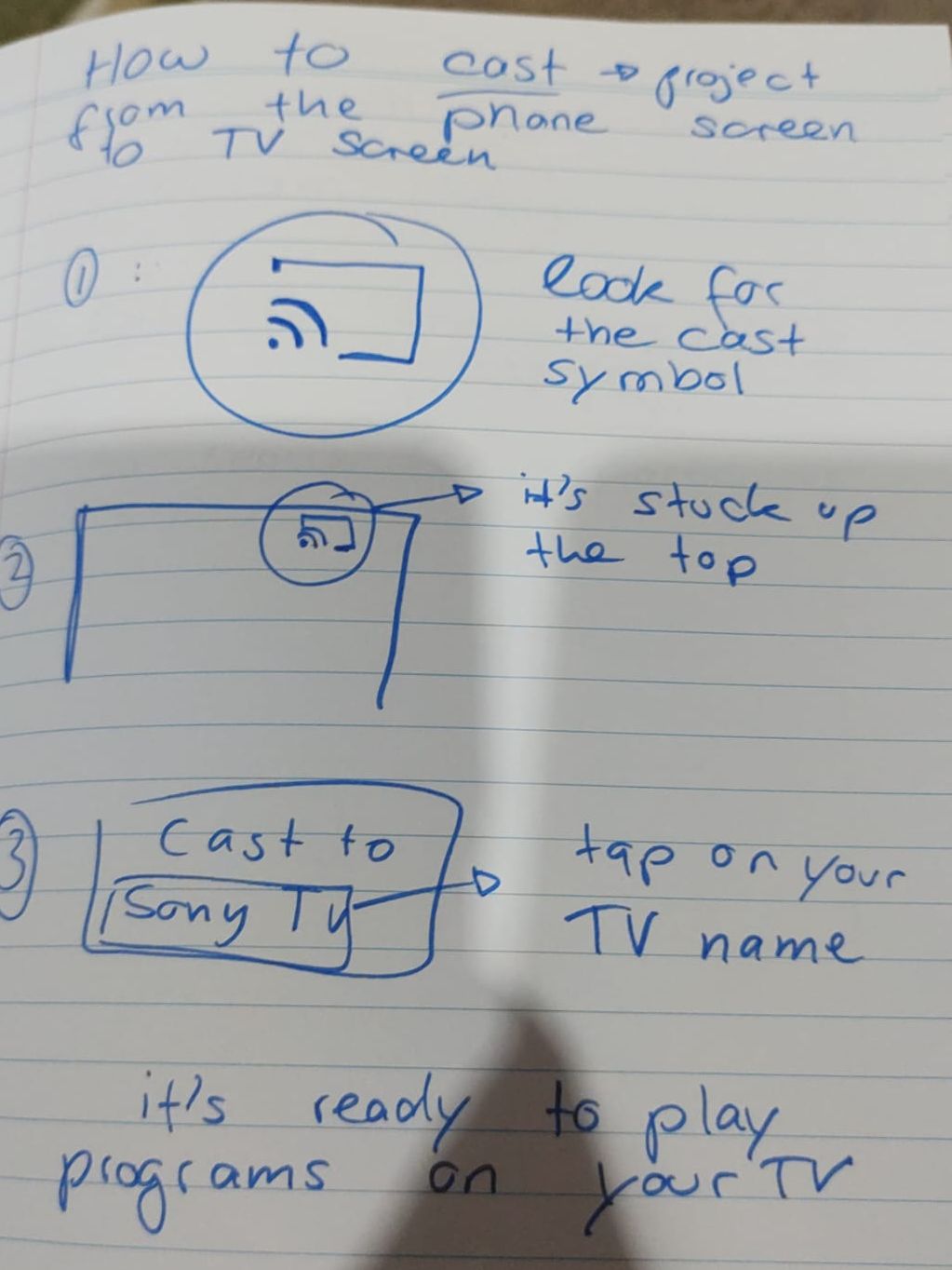
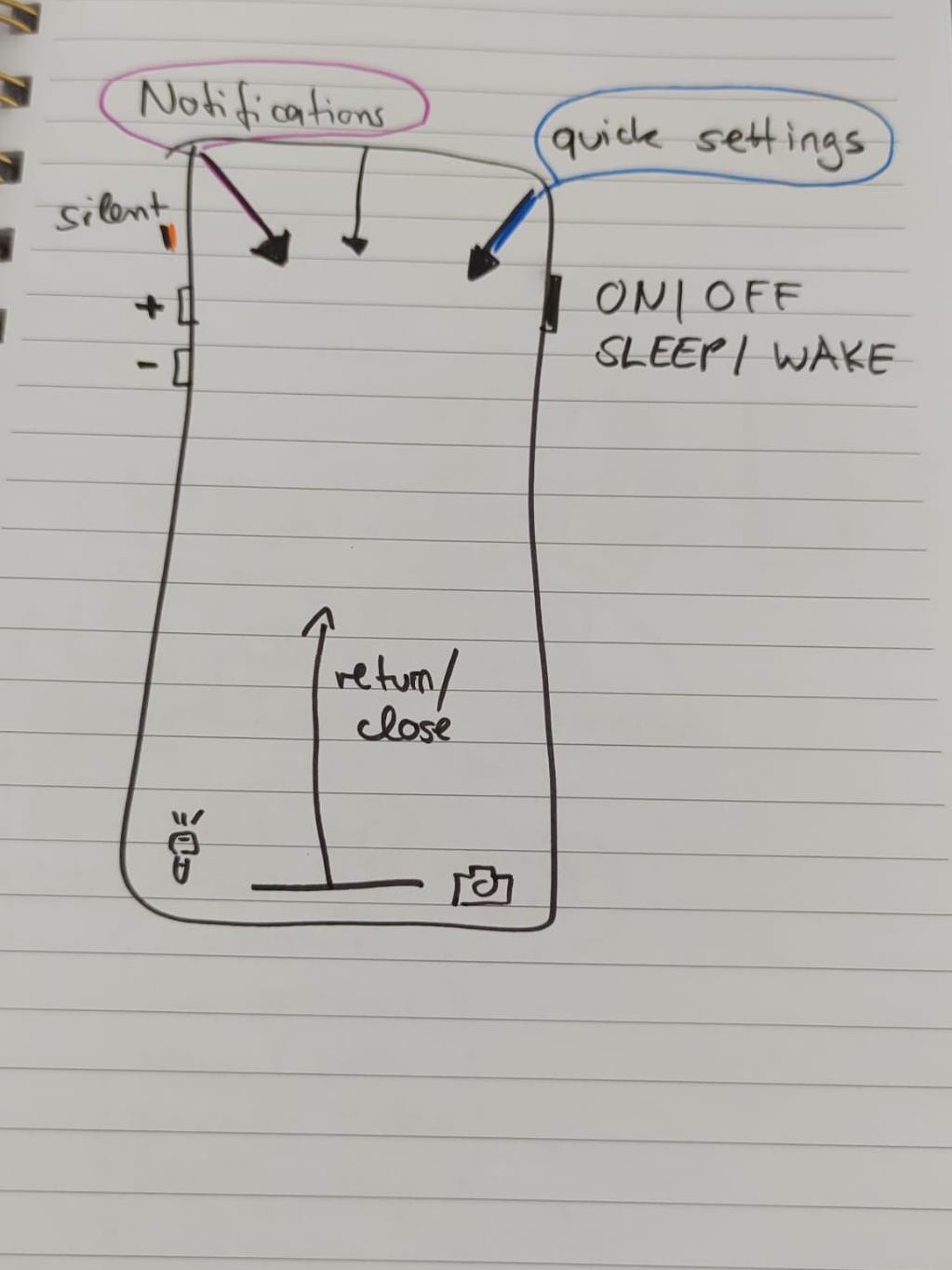
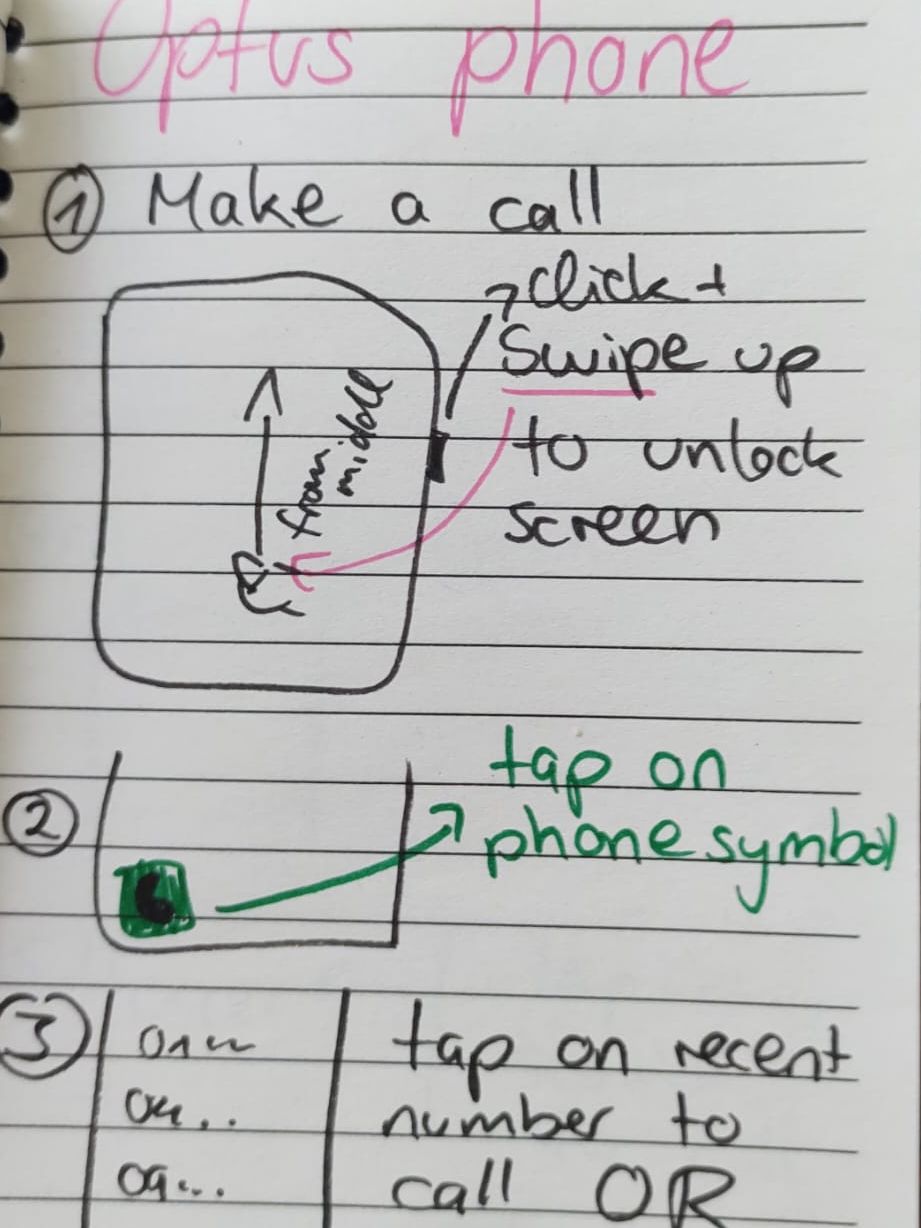
After every visit I leave you hand-written notes for your own phone, tablet or TV, so you can repeat everything we covered without me.

  • Written for your device and the apps you actually use
  • Big, clear handwriting, drawings and colour-coding
  • Built up visit by visit into your own personal guide
  • Easy for family and carers to follow too
How it works

Simple, relaxed and tailored to you

1

We chat first

Tell me what you'd like help with and any concerns you have. There's nothing to prepare.

2

I come to you

We work together on your own device at home, one step at a time, with plenty of repetition until it feels natural. I leave you a workbook with step-by-step notes, so you can repeat everything we covered without me. See examples.

3

You carry on with confidence

With your workbook by your side, you keep practising at your own pace. You're welcome to book a follow-up session whenever you'd like a refresher.

My clients

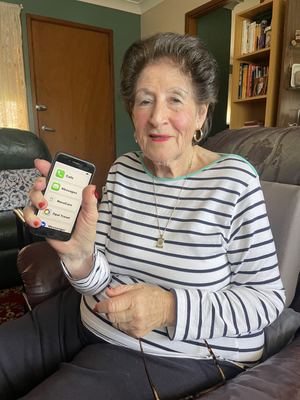
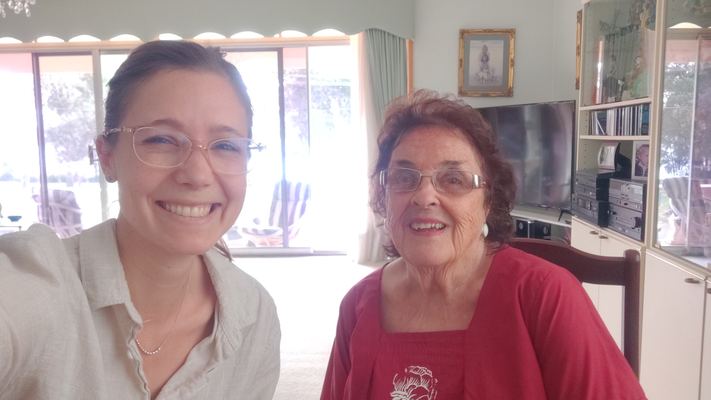
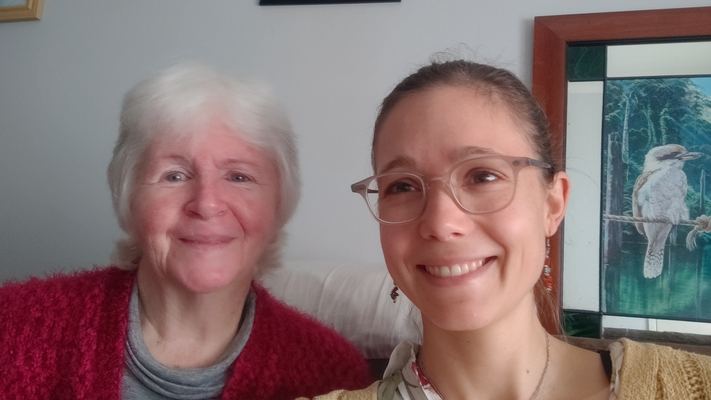
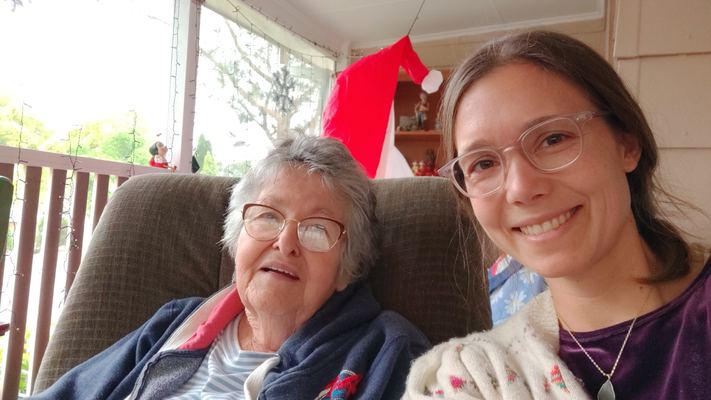
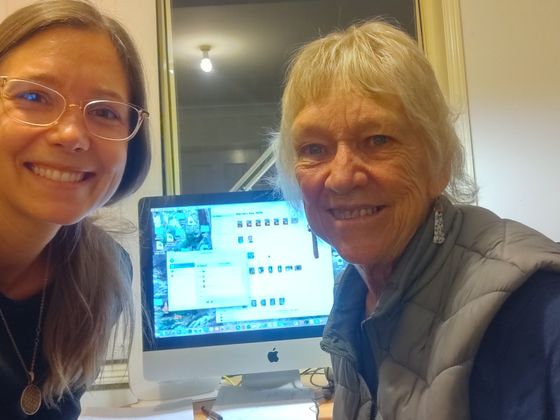
Moments from my visits

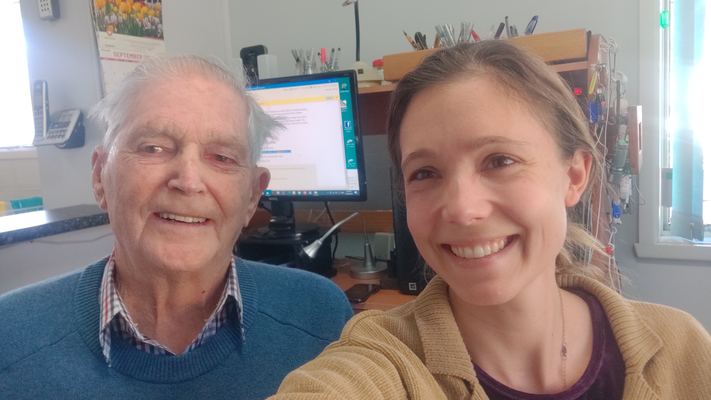
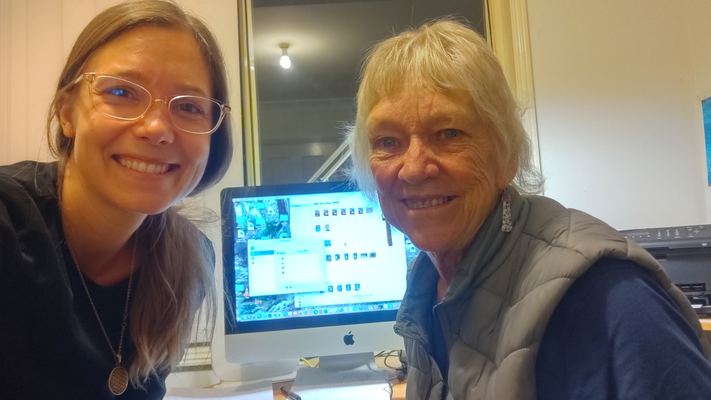
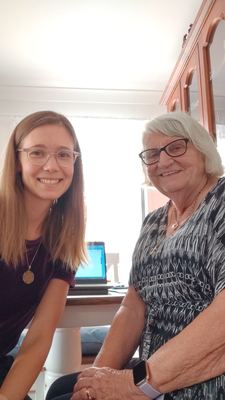
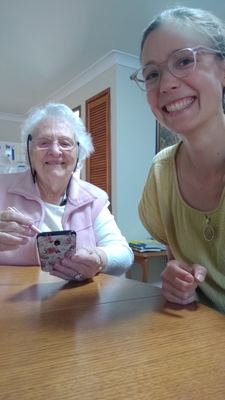
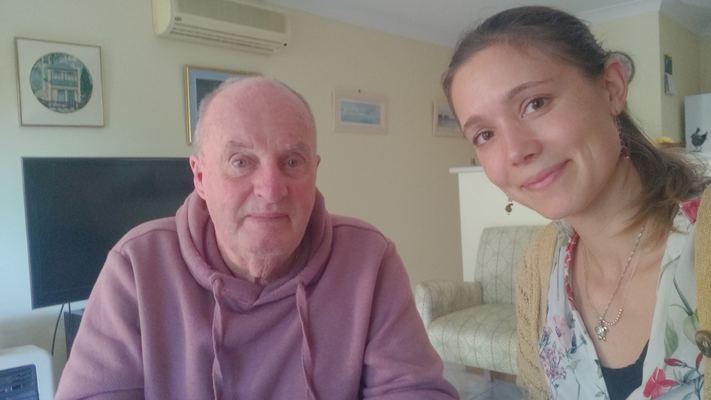
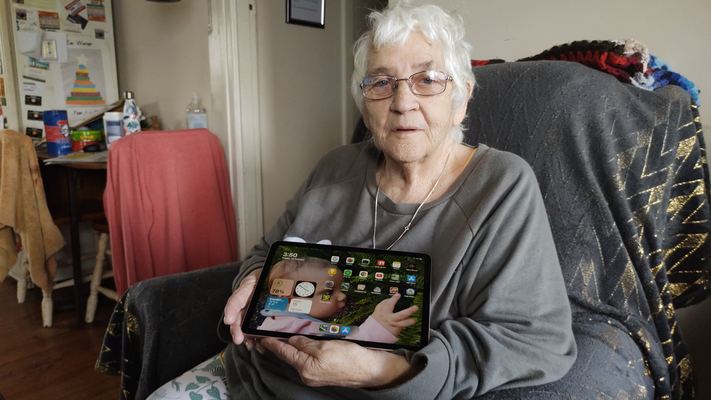
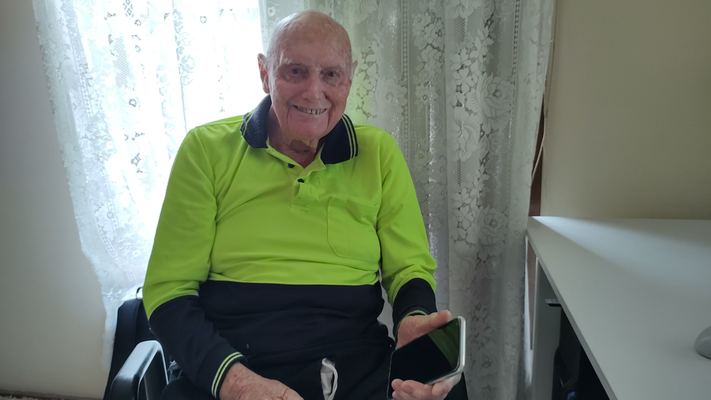
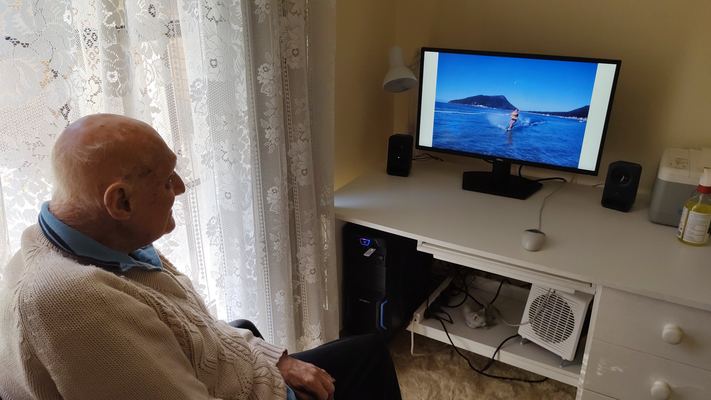
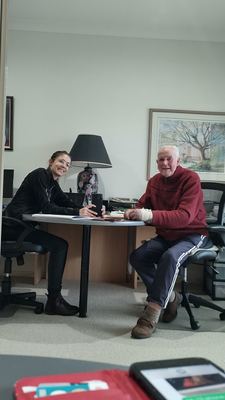
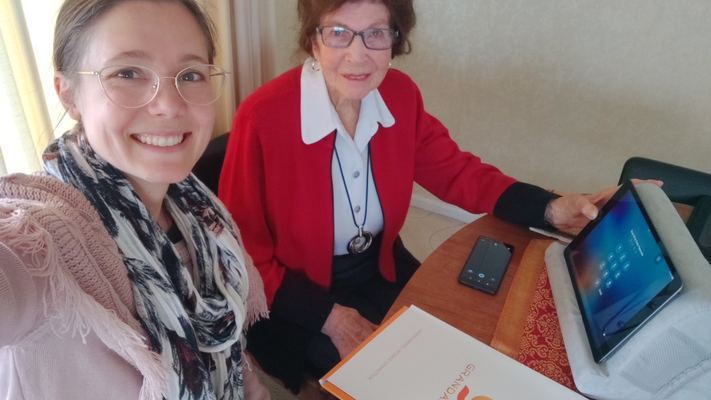
A few of the wonderful people I've had the pleasure of working with.

Pricing

Clear, fair pricing with no surprises

Working directly with me means fair pricing without the overheads of a larger company. Sessions are charged by the hour, and call-out fees depend on how far I travel from Tighes Hill.

In-Home Care Providers

$86 per hour

For participants of the Support at Home program. Every hour is charged at $86, plus a call-out fee once per visit. Includes a session report for each participant's care partner and an individual invoice per participant.

Call-out fees

Distance from Tighes HillFee
0–5 kmFree
5–10 km$25
10–15 km$35
15–25 km$50
25–35 km$65
35–50 km$95
Beyond 50 kmBy request

Calculated using the quickest Google Maps route. Individual cases can be adjusted, and travel further afield is available on request. Occasionally an appointment time may need adjusting if it is far from another visit. Payment by card (+1.6% transaction fee), cash or direct debit, at the end of your visit.

Waitlist & referrals

Ready to get started?

To keep every visit personal, in-home sessions are arranged through referrals and a waitlist. Join the waitlist using the form, or email me to ask about availability.

Email: askvtechhelp@gmail.com

Returning clients

Already had a visit with me? Book your next session directly.

Book a returning session

For returning clients only. New clients, please join the waitlist. Bookings from new clients will be cancelled.

Join the waitlist

I'll get back to you within 2 business days, and be in touch when I have availability in your area. Your details are used only to contact you about my services.

Gift cards

Give the gift of tech confidence, and get your family time back

When you're the family's go-to tech support, visits can quietly turn into troubleshooting sessions. Somewhere between resetting passwords and explaining the same steps again, the cuppa goes cold and the catch-up never happens.

  • Your loved one learns at their own pace, with a patient teacher and their own workbook to keep.
  • You step out of the tech-support role, so time together goes back to stories, laughter and being family.
  • No more dreading the “can you just have a quick look at my phone?” call. Everyone can relax.
Buy a gift card

Please note: Advice in our sessions reflects my personal experience. Decisions such as changing phone providers or buying devices are your own. For specific legal, financial or technical matters, including online banking and contracts, please consult a qualified professional.

I proudly acknowledge the Traditional Owners of the land on which I live and work, the Worimi and Awabakal peoples, and pay my respects to Elders past, present and emerging.